
TikTok Shop Fulfillment API: Packages and Shipping Labels
A working guide to the TikTok Shop Fulfillment API: creating packages, shipping services, handover slots, and batch shipping for self-fulfilled sellers.
Fulfillment is where TikTok Shop automation stops being about information and starts moving physical goods. The Fulfillment API is the surface that turns a paid order into packages, labels, and a handover to a carrier — and it is the first place where an integration mistake costs real money in mis-ships and missed SLAs. This guide maps the fulfillment surface end to end: when you actually need it, how packages work, choosing shipping services, batch operations for volume days, and the order in which a small team should automate it.
- The package — not the order — is the unit of fulfillment: one order can split into several packages, and several orders can combine into one.
- Query eligible shipping services per package instead of hard-coding a carrier choice; eligibility varies by weight, dimensions, and destination.
- Batch shipping exists for volume days — but batches amplify mistakes, so validate before you ship, not after.
- Handover time slots and first-mile options decide when your parcels physically leave; missing a slot quietly adds a day to delivery.
- Automate reads first, then label creation, then batch operations — writes carry side effects you cannot un-ship.
Fulfillment API scope and when you need it
The fulfillment domain covers what happens after payment clears: creating packages from paid orders, splitting and combining them, selecting shipping services, generating shipping documents, marking packages shipped, and tracking. It sits between the Orders API (which tells you what was bought) and your warehouse floor (which has to put it in a box).

Not every seller needs it. If TikTok handles your logistics through Fulfilled by TikTok, the platform runs most of this machinery for you. The API matters when you self-fulfill or run a 3PL: that is when package creation, label generation, and handover timing become your code's responsibility. If your daily order volume still fits comfortably in Seller Center's manual flow, build order sync first and come back here when volume forces the issue.
Creating packages from paid orders
The core object is the package — the physical shippable unit. The create-packages endpoint (POST /fulfillment/202309/packages) turns paid order line items into one or more packages. Two realities shape everything downstream:
- An order is not a package. One order with items in different warehouses may need to split; the platform exposes order-split attributes that tell you what splits are allowed.
- Packages are stateful. A package moves through created → documents generated → shipped → in transit, and several operations are only valid in certain states. Model those states explicitly in your system rather than inferring them.
Treat package creation as idempotent in your own code: hold a mapping from order line items to the package you created for them, so a retry never double-boxes the same items.
Combining and splitting packages
Volume sellers live on combination: a buyer who places three orders in an evening should not receive three boxes. The API exposes a search for combinable packages plus a combine operation. The win is real — combined parcels cut per-shipment cost directly — but respect the constraints: combination is only offered where the platform deems the packages compatible (same buyer, compatible logistics), and it is time-boxed. A combine pass that runs once per hour on pre-handover packages captures most of the value with none of the complexity of trying to combine in real time at order ingestion.
Choosing eligible shipping services
Do not hard-code a carrier. The eligible-shipping-service query exists because eligibility genuinely varies — by package weight and dimensions, destination, declared value, and program. The robust pattern: for each package, query the eligible services, apply your own policy (cheapest, fastest, or rules per SKU class), and record which service you chose and why. When a carrier suspends service or a lane changes, the query result changes and your integration adapts without a deploy.
Your policy layer is also where cost control lives. Even a simple rule — default to cheapest, upgrade to faster service when the promised delivery date is at risk — captures most of the margin without a full rate-shopping engine.
Batch shipping for volume days
Marking packages shipped one call at a time is fine at ten orders a day and unworkable at a thousand. Batch shipping (POST /fulfillment/202309/packages/batch_ship) processes many packages in one operation — the tool for launch days, LIVE spikes, and holiday volume of the kind covered in our Q4 campaign guide.
Batches amplify mistakes exactly as efficiently as they amplify throughput. Three disciplines keep them safe:
- Validate the batch before submitting — every package in a valid state, every label generated, counts reconciled against your warehouse's physical pick list.
- Handle partial failure. A batch is not all-or-nothing; read the per-package results and route failures to a retry queue instead of resubmitting the whole batch.
- Cap batch size below whatever the API allows. Smaller batches make partial failures tractable and keep any single mistake bounded.
Handover time slots and first-mile options
A generated label is not a shipped parcel. Handover — when the carrier physically takes your packages — runs on time slots you can query and book through the API, alongside first-mile options like drop-off versus pickup and first-mile bundles. This is the piece integrations most often ignore, and it shows up as a silent day added to every delivery: packages marked shipped at 6 p.m. that miss the day's last handover slot do not actually move until tomorrow.
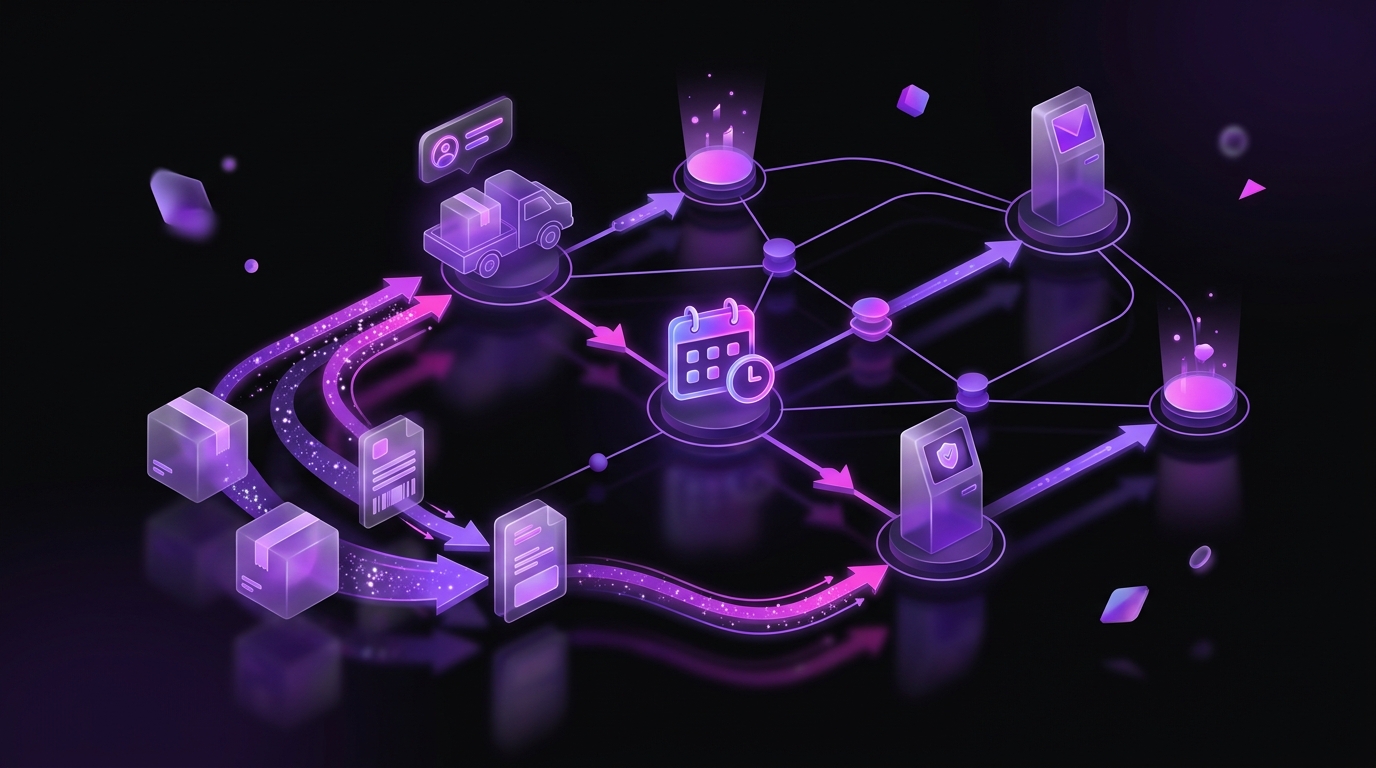
Wire your daily cutoffs to the real slot schedule: your warehouse's ship-by time should derive from the booked handover slot, not from a static config value someone set last quarter. Late-day orders that miss cutoff belong in tomorrow's first batch, decided by code rather than by whoever notices.
Shipping documents and label handling
Between package creation and handover sits document generation: the shipping-document endpoints produce the labels and paperwork your warehouse actually prints. Three practical rules keep this stage boring, which is what you want:
- Generate documents as a distinct step in your pipeline with its own success state, not as a side effect of package creation. When a label fails to generate, you want one package flagged in a queue — not a created-but-unprintable package discovered at pack-out.
- Store the document reference, not just the PDF. Reprints happen constantly on a busy floor; being able to re-fetch a label by package beats hunting through a shared drive.
- Print at pack, not at creation. Labels generated hours before packing invite mismatches when packages split, combine, or get re-weighed in between. The document stage should run as close to physical handling as your workflow allows.
Common failure modes and how they surface
Fulfillment integrations fail in patterns. The ones that account for most incidents:
- State mismatches — calling an operation on a package that has already moved on (shipping an already-shipped package, combining one already handed over). The API rejects these; your job is to treat the rejection as a signal to re-fetch package state, not to retry harder.
- Duplicate packages from retries — a create call that timed out client-side but succeeded server-side. The idempotent line-item mapping from earlier is the cure; reconciling package counts against order counts daily is the detection.
- Weight and dimension drift — catalog data says 400g, the warehouse scale says 610g, and the label is priced wrong or rejected. Feed measured weights back into your catalog rather than treating each discrepancy as a one-off.
- Silent handover misses — everything marked shipped, nothing physically collected. A daily check that yesterday's shipped packages show carrier scans is a ten-line script that catches this class entirely.
The common thread: reconcile against physical reality on a schedule. Fulfillment code that only reacts to API responses drifts from the warehouse floor; a daily diff between what your system believes and what tracking shows keeps the two honest.
Tracking and the post-ship feedback loop

After handover, the tracking endpoints tell you where parcels actually are. Two uses justify the integration. First, proactive exceptions: a package with no movement for 48 hours is a support ticket you open before the buyer does. Second, honest delivery metrics: measured handover-to-delivery times per service feed straight back into your shipping-service policy — the carrier that is cheapest on paper but slowest in practice costs you in reviews and repeat purchase, which is delivery optimization you can only do with your own data.
The authoritative endpoint reference lives in the TikTok Shop Partner Center API documentation — always confirm versioned paths there before shipping an integration.
Automation order of operations for small teams
Sequence matters more than completeness. For a team automating fulfillment for the first time:
- Reads first: package detail, tracking, order-split attributes — zero risk, immediate visibility.
- Package creation with idempotent mapping from order lines, validated against Seller Center for a week before you trust it.
- Shipping-service selection through the eligibility query plus a simple policy layer.
- Handover-slot booking wired to your warehouse cutoffs.
- Batch operations last, once every earlier stage has proven itself on single packages.
Each stage is independently verifiable, which means when something disagrees with reality you know which layer to look at. Teams that build batch shipping first — because volume is the pain they feel — end up debugging everything at once inside their highest-stakes operation.
Once packages are shipping reliably, the next integration most teams reach for is reconciliation — shipping costs and adjustments show up on the payout side, which the Finance API and settlement guide covers.
If you would rather compress this whole curve, our TikTok Shop management team runs fulfillment operations for brands every day, from first package to peak-season batching — talk to us about your setup.