TikTok Shop Live Shopping Setup Guide From Zero to Your
Learn how to set up TikTok Shop live shopping in 2025 with this step-by-step guide. Go from zero to your first $10K live stream in just 7 days.
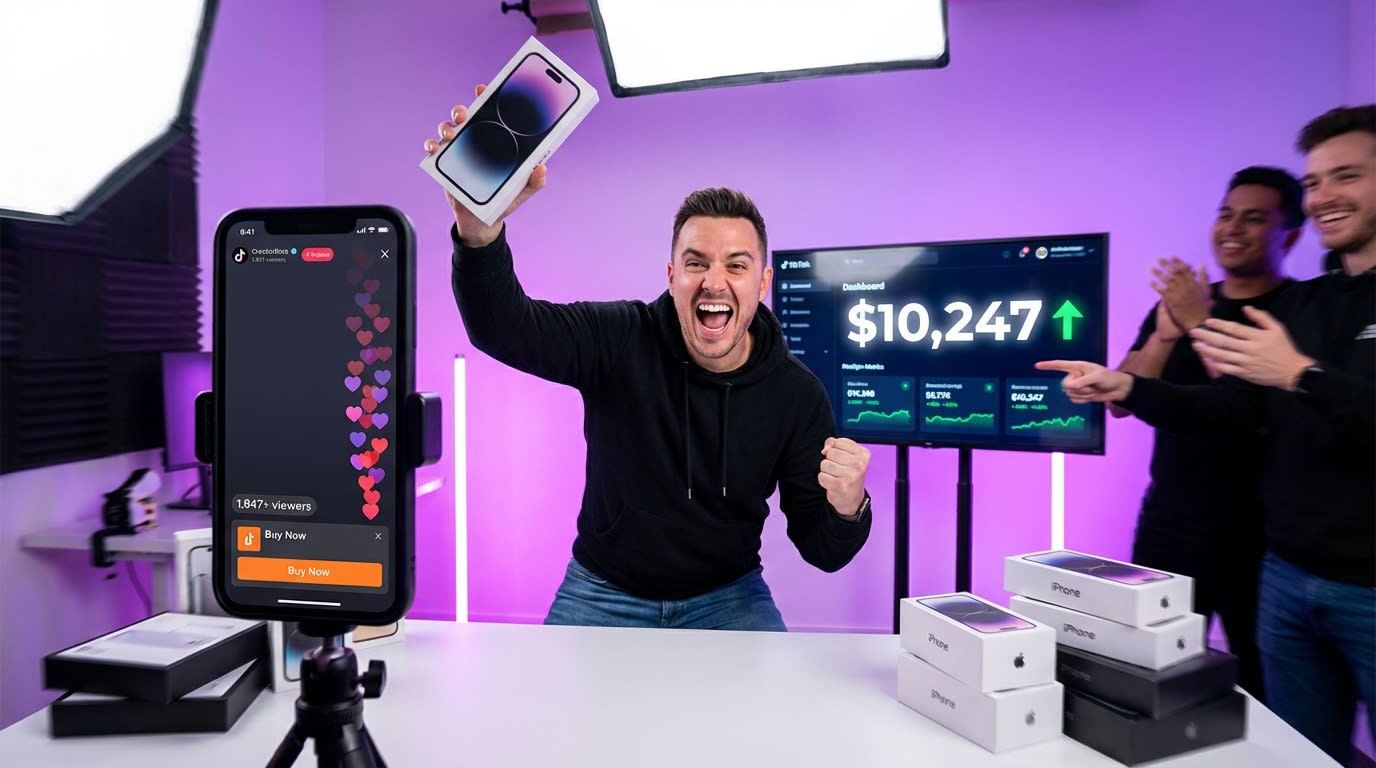
Most brands treat their first TikTok Shop live stream like a casual experiment. They tap "Go Live," fumble through product pins, talk to an empty room for 40 minutes, and walk away thinking live commerce doesn't work.
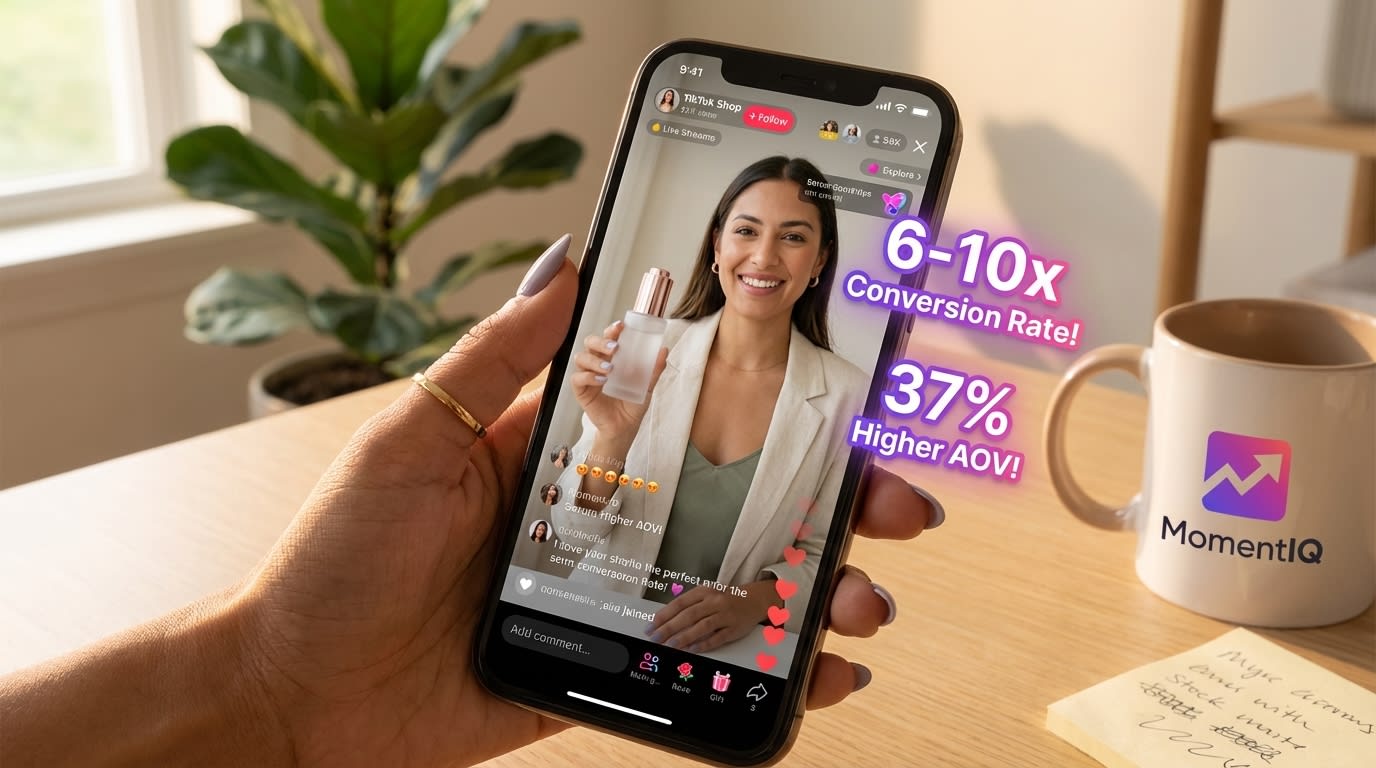
- Prioritize live shopping setup now, as TikTok live converts at 6-10x the rate of standard product listings.
- Leverage TikTok's algorithm boost for live content to gain free For You Page discovery instead of spending thousands on ads.
- Encourage live chat engagement since viewers who interact are 4.2x more likely to purchase than passive scrollers.
- Run affiliate content and live commerce simultaneously to create a flywheel that drives both viewership and creator interest.
- Target 37% higher average order values by selling through structured live streams rather than relying solely on in-feed shopping.
It does work. They just skipped the setup that makes it work. TikTok's live shopping channel generated over $20 billion in global GMV in 2024, according to TikTok's own commerce reports.In the U.S. alone, live commerce grew 245% year-over-year, with the average converting live session generating between $2,500 and $15,000 in a single stream for properly prepared sellers (Statista, 2024). And here's the kicker — eMarketer projects U.S.$50 billion by 2026, meaning theright now will own the audience relationships that latecomers simply can't replicate.
This isn't a "nice to have" channel anymore. It's the highest-margin, highest-engagement sales mechanism TikTok offers. And you're about to learn exactly how to set it up — from account configuration to your first $10K stream — in seven days.
Whether you're a DTC founder staring at inconsistent GMV numbers, a brand manager tired of rising CAC on Meta, or a TikTok Shop seller whose affiliate content converts but whose live channel sits dormant, this guide is your complete TikTok Shop live shopping setup walkthrough.
Let's build the machine.
Why TikTok Shop Live Shopping Is the Highest-ROI Channel You're Ignoring

Before we touch a single setting, let's address the elephant in the room: why live?
You already have affiliate creators posting content. Maybe you're running Spark Ads. Your product listings are optimized.So why add the complexity of live selling?
Here's the data that should stop you mid-scroll:
- Live shopping converts at 6-10x the rate of standard TikTok Shop product listings live commerce analytics and KPIs (TikTok Commerce Report, Q4 2024)
- Average order value (AOV) during live streams is 37% higher than in-feed shopping (Statista, 2024)
- TikTok's algorithm actively boosts live content to the For You Page, giving live sellers free discovery that would cost thousands in ad spend
- Viewers who engage in live chat are 4.2x more likely to purchase than passive scrollers (TikTok Internal Data, 2024)
The brands already crushing it on TikTok Shop aren't choosing between affiliate content and live commerce.They're running both simultaneously, creating a flywheel where live streams drive affiliate creator interest and affiliate content drives live viewership.
One home goods brand went from zero live commerce revenue to $87K/month within 60 days of implementing a structured live setup — using the exact framework you're about to learn.
The window is open. Your competitors are either already streaming or about to start. Every week you delay is a week they're building audience loyalty you'll have to fight for later.
Ready to skip the learning curve entirely? MomentIQ has helped brands launch live commerce programs that generate six figures monthly. As TikTok Shop Partner of the Year, we've built the playbooks, the tech stack, and the creator networks that turn first-time streamers into live selling machines. Talk to a Strategist and let our strategists map your live commerce roadmap.
Day 1-2: TikTok Shop Live Account Configuration (The Foundation Most Sellers Rush)
Here's what most sellers get wrong before they ever go live: they skip the account configuration steps that determine whether TikTok's algorithm treats their stream as a shopping event or a random broadcast.
The difference is massive. A properly configured live shopping account gets pushed to buyers with purchase intent. A misconfigured one gets pushed to entertainment browsers who will never buy.
Step 1: Verify Your TikTok Shop Seller Center Setup
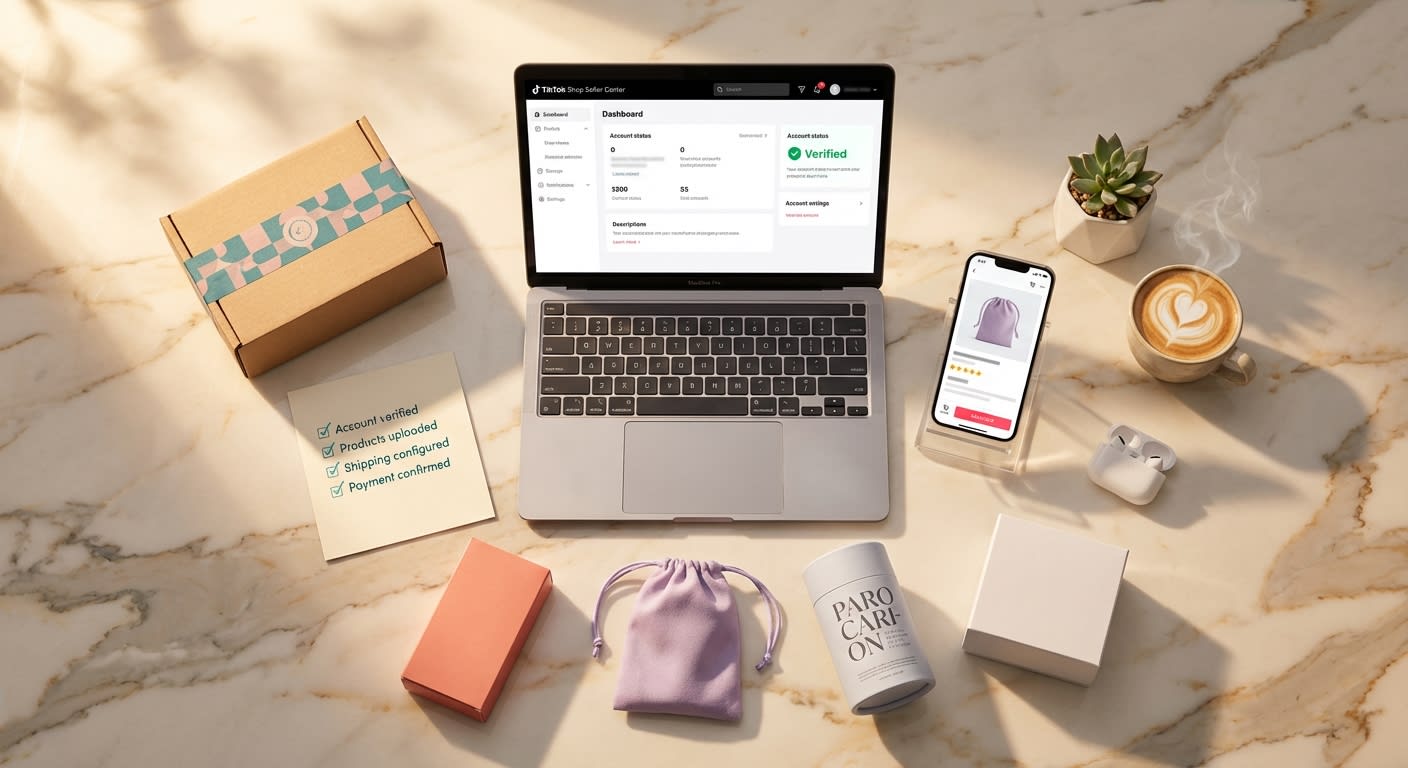
Before you can pin products in a live stream, your Seller Center must be fully operational: set up your TikTok Shop from scratch
- Business verification must be complete (not pending)
- At least 5-10 products should be approved and listed with compliant images, descriptions, and pricing
- Shipping templates must be configured with realistic delivery windows (TikTok penalizes late shipments, which tanks your shop score and live visibility)
- Return policy must be published and active
Pro tip: TikTok's algorithm evaluates your shop health score before distributing live traffic.If your score is below 4.0, your live streams will be throttled before you even start. Check this in Seller Center → Shop Performance.
Step 2: Enable Live Shopping Features
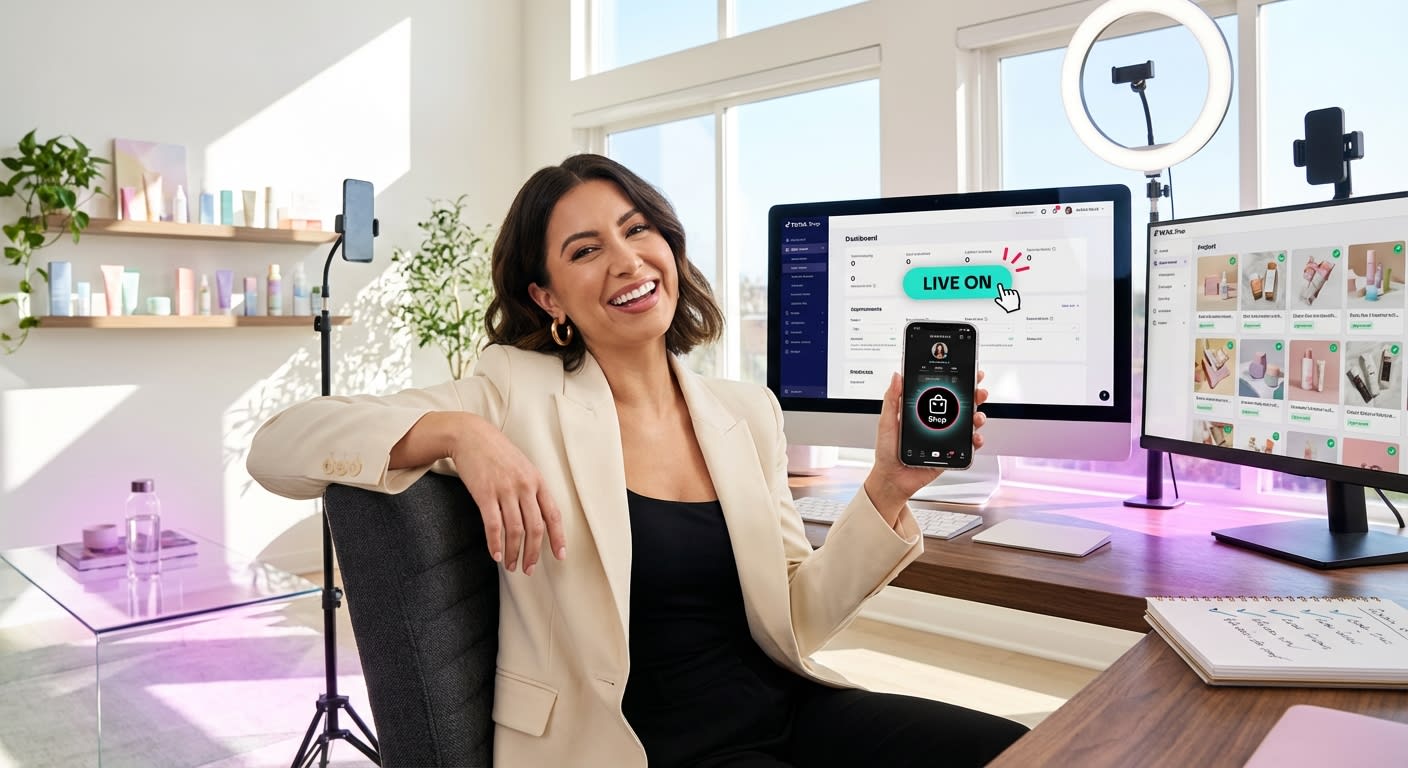
Navigate to Seller Center → Live Shopping and ensure:
- Live shopping is toggled on for your account
- Your product catalog is synced (products must be in "approved" status to be pinnable)
- You've connected your TikTok account to your Seller Center (this sounds obvious, but roughly 15% of new sellers have a mismatch between their posting account and their shop account)
Step 3: Set Up Your Live Shopping Showcase

Before going live, curate your Live Shopping Showcase — the product carousel viewers see when they enter your stream:
- Lead with your hero product (highest conversion rate, best reviews)
- Include 3-5 complementary products for cross-sell opportunities
- Set flash deal pricing on at least one item to create urgency
- Pre-write product descriptions optimized for live context (viewers won't read paragraphs — they need bullet-point benefits)
The sellers who hit $10K on their first stream don't wing their product selection. They engineer a product ladder: a low-barrier entry product ($15-25), a hero product ($35-65), and a premium bundle ($80+).
Day 2-3: Technical Setup — OBS Integration, Multi-Camera, and Stream Quality
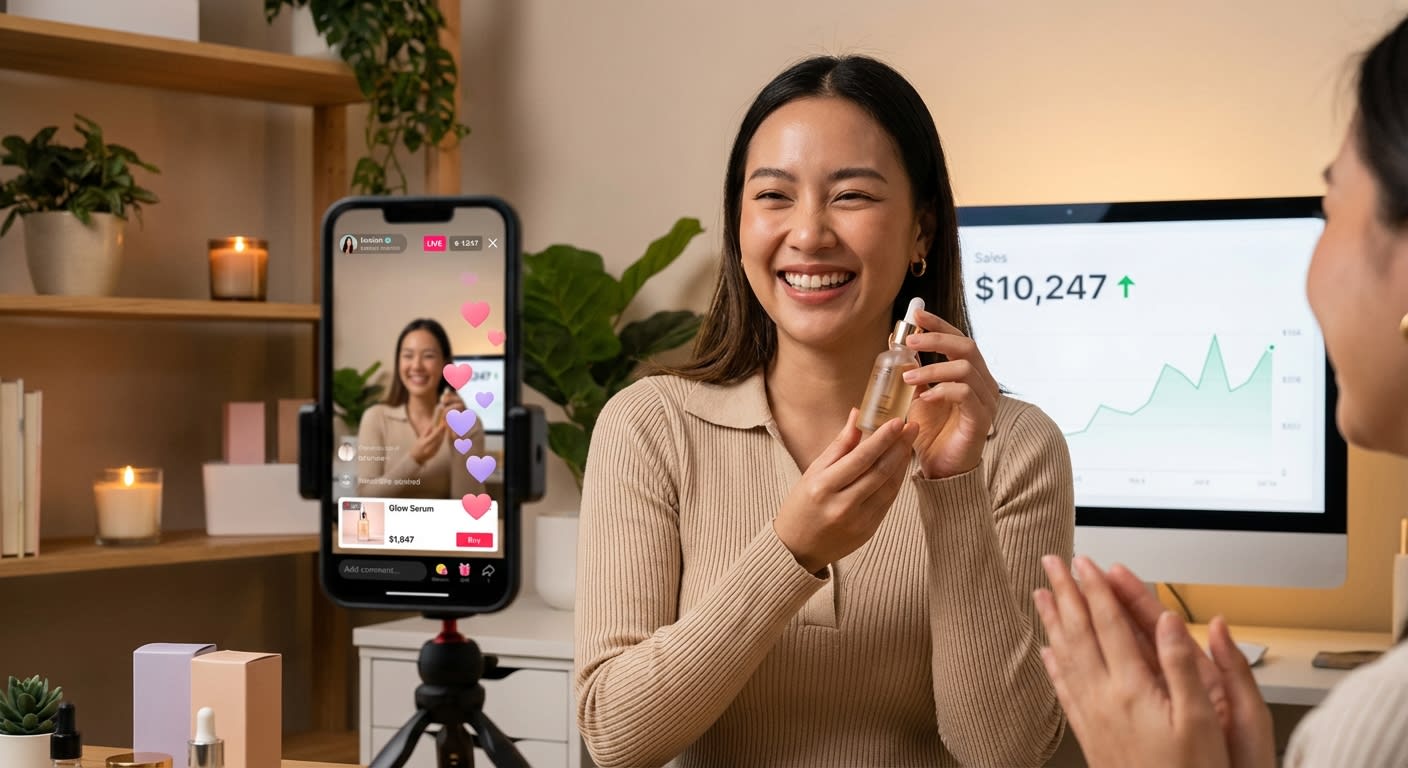
Here's where amateur live sellers and professional live sellers diverge completely.
Going live from your phone's front camera is fine for testing. It's terrible for selling. TikTok's own data shows that streams using external cameras and OBS (Open Broadcaster Software) integration retain viewers 2.8x longer than phone-only streams.
How to Set Up TikTok Shop Live With OBS
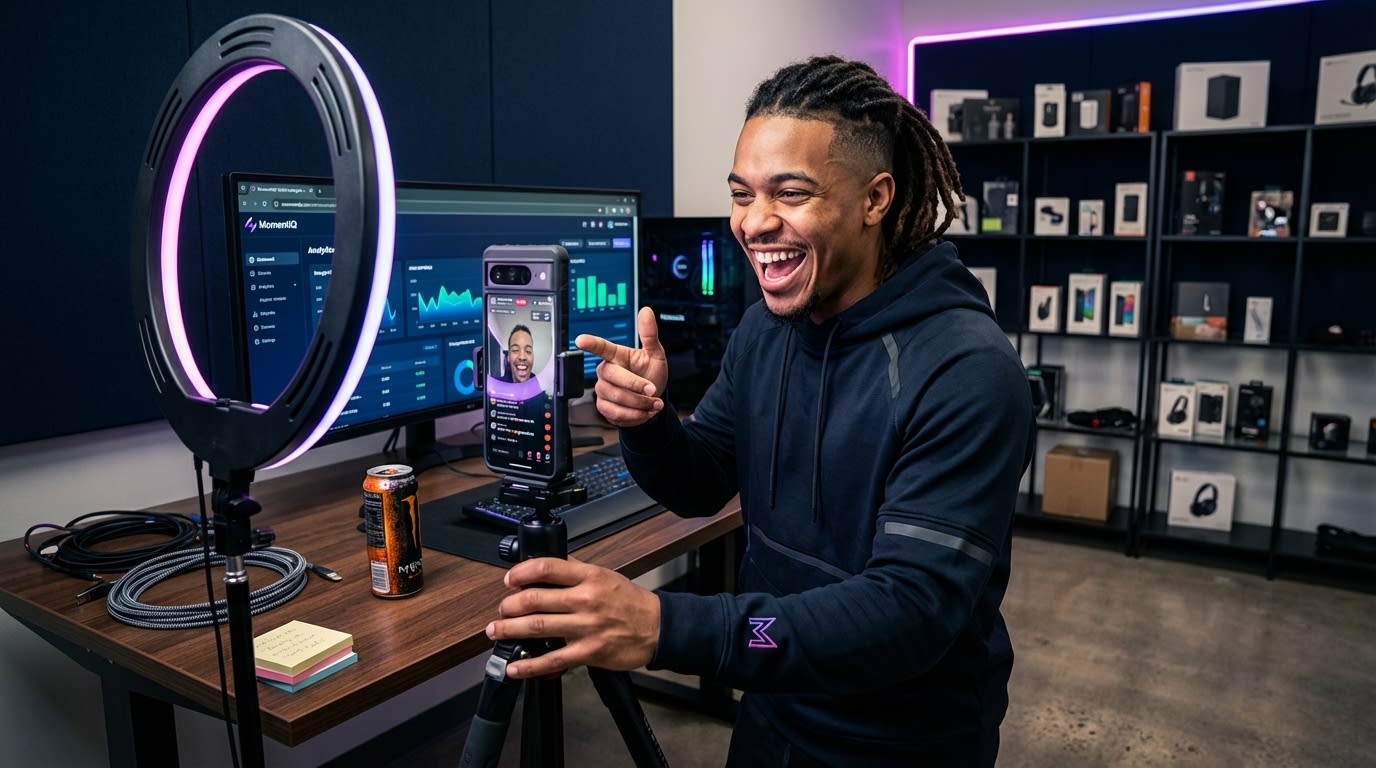
TikTok now supports RTMP streaming for eligible accounts, which means you can use OBS Studio to broadcast with professional-grade control:
- Download OBS Studio (free) from obsproject.com
- In TikTok Seller Center, navigate to Live Shopping → Go Live → Stream via PC
- Copy your Stream Key and Server URL
- In OBS, go to Settings → Stream, select "Custom" service, and paste your credentials
- Configure your scenes:
- Scene 1: Host + Product Close-Up (picture-in-picture layout)
- Scene 2: Full Product Demo (overhead camera or macro lens)
- Scene 3: Social Proof Overlay (showing reviews, ratings, or live purchase notifications)
Essential Technical Specs for High-Converting Streams
- Resolution: 1080x1920 (vertical, always)
- Bitrate: 2500-4000 kbps for smooth video without buffering
- Frame rate: 30 fps minimum
- Audio: Use a dedicated USB microphone or lavalier mic — built-in laptop mics kill conversions because poor audio subconsciously signals low trust
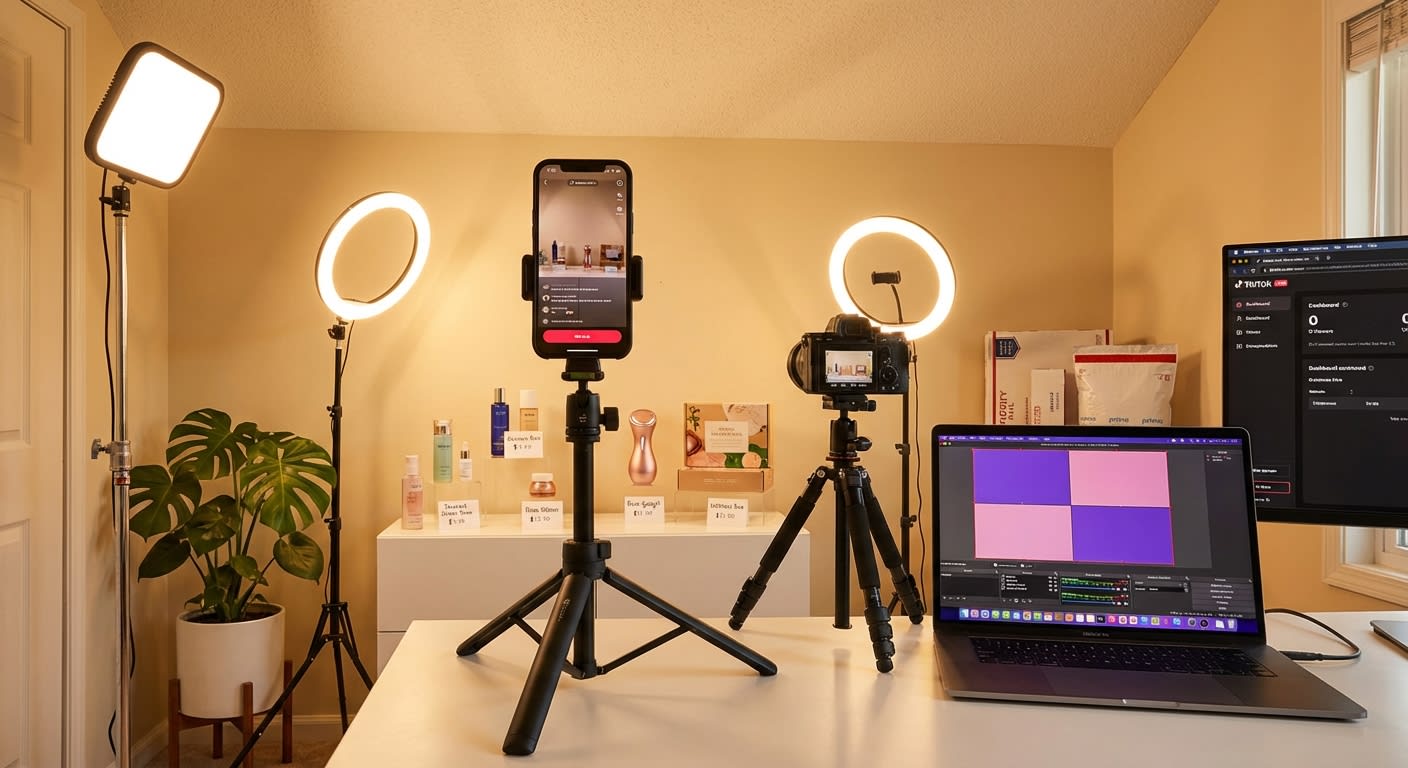
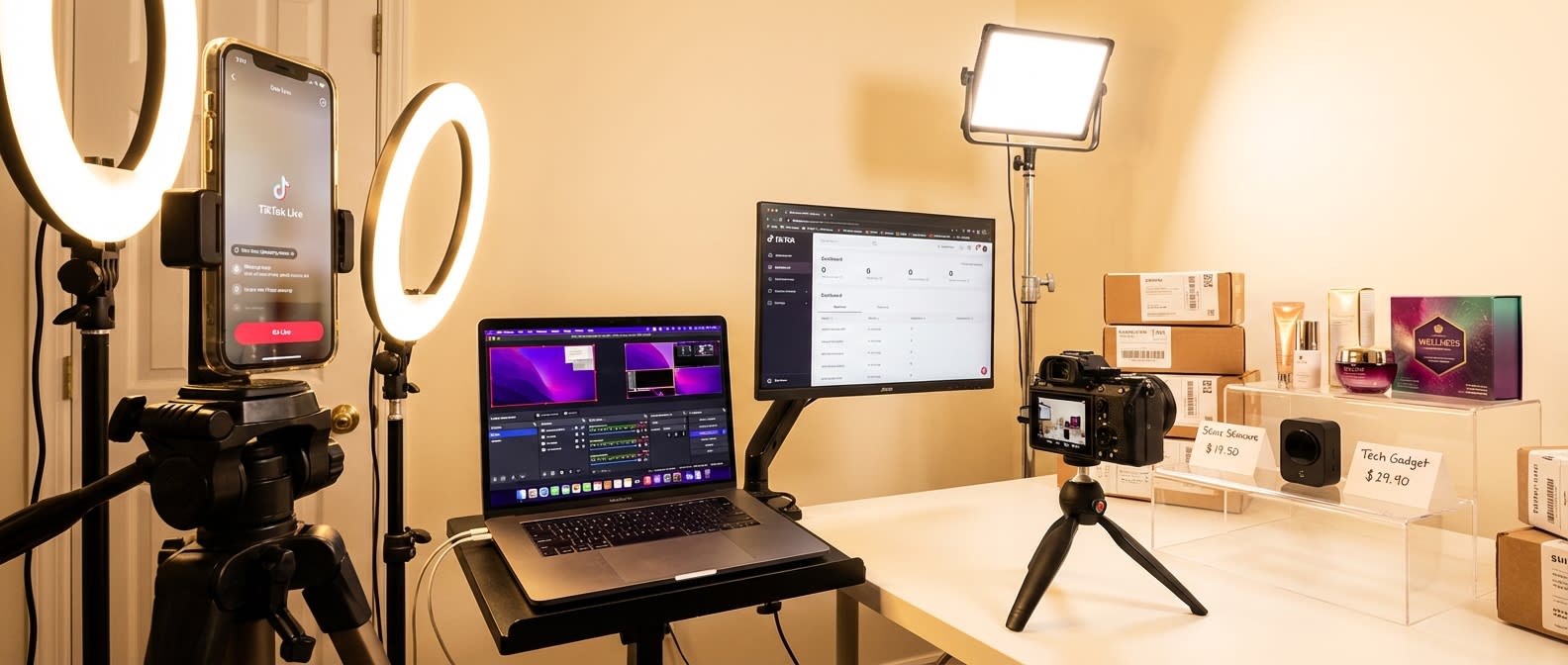
- Lighting: Ring light minimum; two-point lighting setup preferred. Shadows on products reduce perceived quality by up to 40% (based on A/B testing data from live commerce platforms)
The Overlay Strategy Nobody Talks About

OBS lets you add custom overlays to your stream. Top-performing live sellers use these strategically:
- Countdown timer for flash deals (creates urgency)
- "X people watching" counter (social proof)
- Product benefit bullet points that rotate every 30 seconds (catches new viewers who join mid-stream)
- Promo code display for exclusive live-only discounts
These aren't cosmetic. Streams with dynamic overlays see 45-60% higher add-to-cart rates compared to bare streams. Set them up in OBS using the "Text" and "Image" source options.
Day 3-4: Product Pinning Strategy and Live Catalog Sequencing
Product pinning is TikTok Shop live selling's secret weapon — and most new sellers use it like an afterthought instead of a conversion tool.
How Product Pinning Actually Works
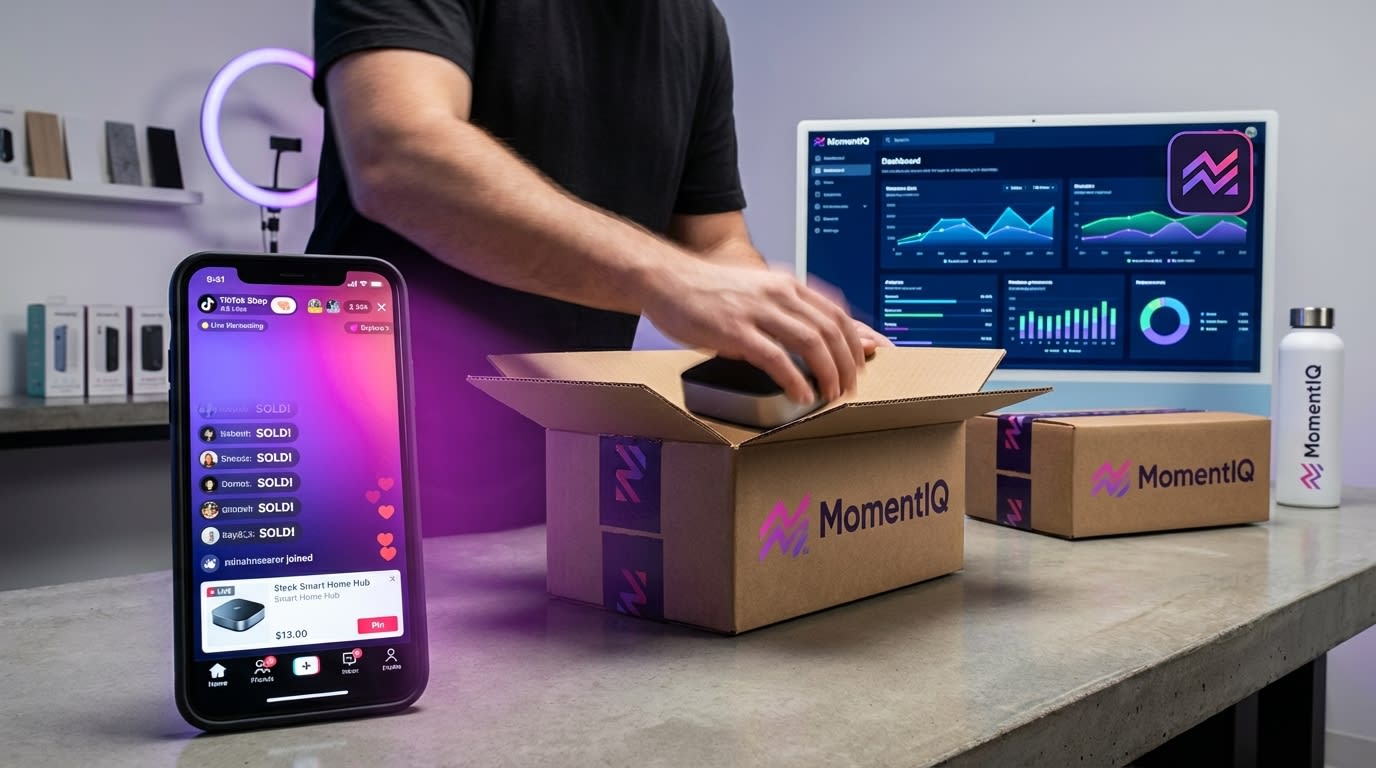
When you're live, you can pin a specific product to the top of your stream. This creates a prominent card that viewers can tap to purchase instantly without leaving the stream.
The rules of strategic pinning:
- Pin your lowest-priced item first (reduces friction, gets viewers into the buying mindset)
- Switch pins every 8-12 minutes to create a "segment" feel and re-engage viewers who've been passively watching
- Always verbally announce pin changes — "I'm pinning our bestseller right now, tap that orange button before it's gone"
- Never leave a pin up for more than 15 minutes — stale pins signal to the algorithm that engagement is dropping
The $10K Stream Product Sequence

Here's the exact pinning sequence that high-performing live sellers use:
| Time Block | Pin Strategy | Goal |
|---|---|---|
| 0-10 min | Gateway product ($15-25) | Build buying momentum, attract algorithm traffic |
| 10-25 min | Hero product ($35-65) | Drive primary GMV |
| 25-35 min | Flash deal / bundle ($50-80) | Spike urgency, maximize AOV |
| 35-50 min | Return to hero product | Capture late joiners |
| 50-60 min | Exclusive live bundle | Create FOMO for stream-only offer |
This sequence isn't random. It's engineered around TikTok's live algorithm, which evaluates purchase velocity in the first 15 minutes to decide whether to push your stream to broader audiences.
Get early sales with your gateway product, and TikTok rewards you with exponentially more viewers for your higher-margin items.
Day 4-5: First-Stream Rehearsal Tactics That New Sellers Skip
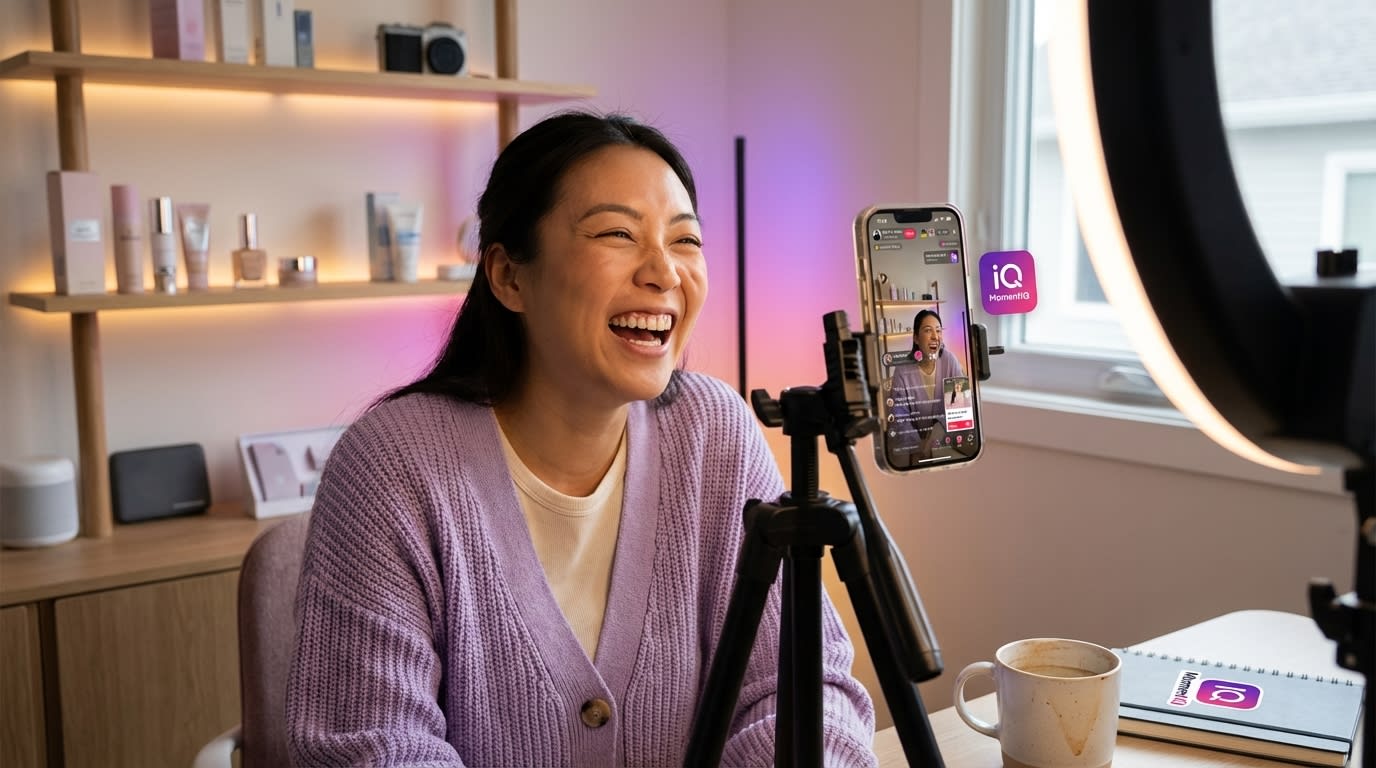
This is the section that separates the brands who hit $10K from the brands who hit $200 and quit.
Rehearsal isn't optional. It's the highest-ROI hour you'll spend in your entire live commerce journey.
The "Silent Stream" Rehearsal Method
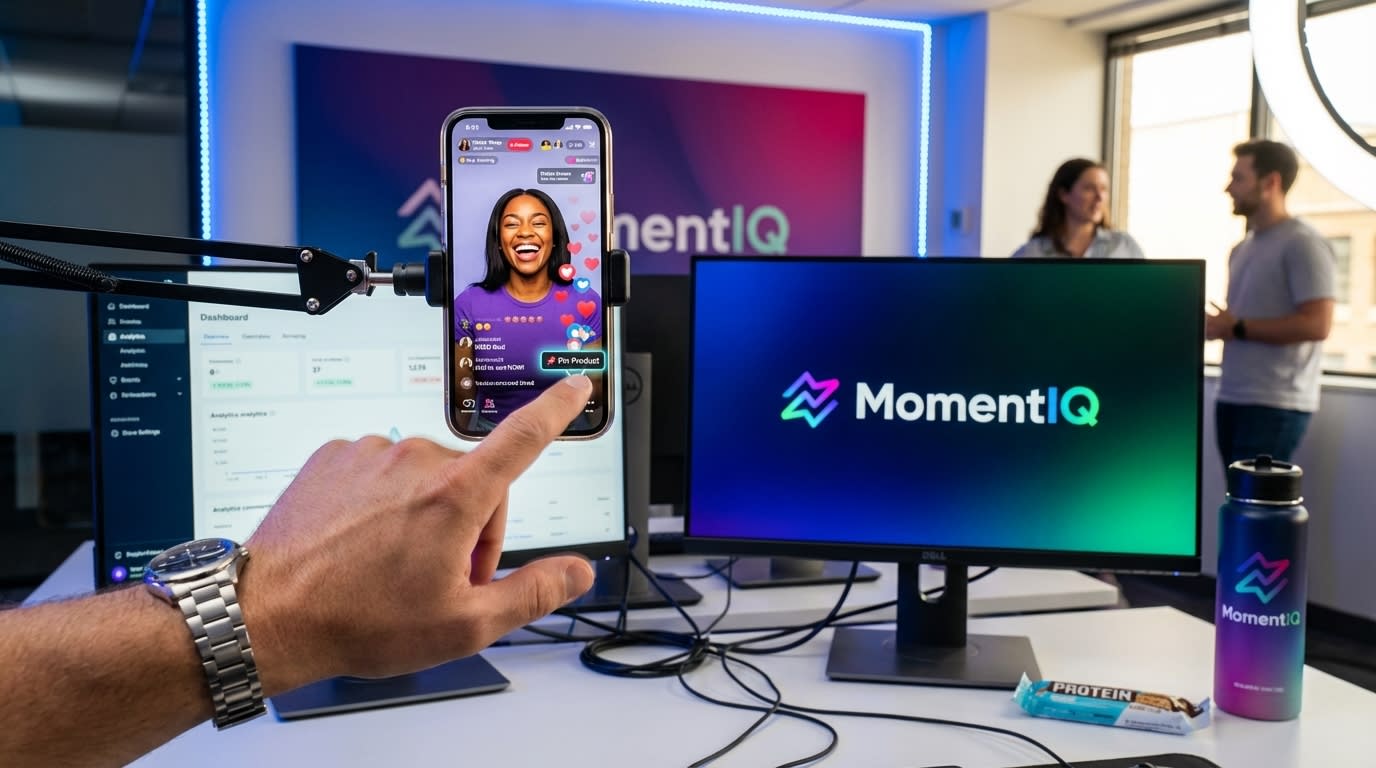
Go live on a secondary or test account (or during off-peak hours with notifications turned off) and run through your entire stream:
- Practice product pin transitions until they're seamless (fumbling with pins on-air kills momentum)
- Time your product demos — if you can't explain a product's value in 90 seconds, your pitch is too long
- Test your OBS scene switches — laggy transitions look unprofessional
- Check audio levels across all microphone positions (standing, sitting, holding product up)
- Rehearse your opening hook — you have 3 seconds before a new viewer scrolls past
The 3-Second Hook Framework

When a viewer lands on your stream from the For You Page, they see a thumbnail for roughly 3 seconds before deciding to stay or swipe.
Your opening must answer one question instantly: "Why should I stop scrolling?"
Formulas that work:
- "You're about to see why [product category] brands are switching to this — and it's 40% off right now, live only"
- "I've got [X] units of our bestseller at the lowest price we've ever offered. When they're gone, they're gone"
- "This is the [product] that [specific result] — and I'm going to prove it right now on camera"
Practice this hook 20 times before your real stream. It should feel natural, energetic, and irresistible.
Rehearse Your Chat Response System
Live chat is where conversions happen — or die. You need a system:
- Assign a moderator (even if it's a friend with a phone) to flag purchase-intent questions: "How much is shipping?" "Does this come in blue?" "Is this the lowest price?"
- Pre-write answers to the 15 most common questions about your products
- Create a "trigger phrase" system — when someone asks about sizing, your moderator drops a pre-written sizing guide in chat
Brands that respond to chat questions within 10 seconds see 3x the conversion rate of those that ignore chat or respond slowly. This isn't anecdotal — it's a pattern across thousands of live sessions.
Day 5-6: Pre-Stream Promotion and Audience Building
The biggest mistake in TikTok Shop live shopping setup? Going live to zero viewers and expecting the algorithm to save you.
TikTok's live algorithm does push streams to new audiences — but it needs a signal first. That signal is initial engagement velocity. If your first 5 minutes have strong viewership, chat activity, and purchases, TikTok amplifies your stream aggressively.
If your first 5 minutes are crickets? You stay buried.
How to Guarantee Viewers on Your First Stream
- Post 3-5 "teaser" videos in the 48 hours before your stream announcing the date, time, and exclusive live-only deals
- Use TikTok's Live Scheduling feature to create a countdown on your profile (this sends push notifications to followers)
- Drop a teaser in your TikTok Shop product listings — add "Join our live stream [date] for exclusive pricing" to your product descriptions
- Coordinate with 2-3 affiliate creators to mention your upcoming live in their content (even a 5-second mention drives warm traffic)
- Run a small Live Shopping Ad ($50-100 budget) targeting users who've viewed your products but haven't purchased
One supplement brand used this exact pre-stream promotion sequence and had 340 concurrent viewers within the first 8 minutes of their debut stream. They hit $11,200 in GMV in 90 minutes.
You don't need a massive following. You need a concentrated burst of engaged viewers in the first five minutes.
This is exactly where most sellers hit a wall — and where expert support pays for itself 10x over. MomentIQ's live commerce strategists have launched hundreds of live programs for brands across every category. We handle everything from OBS configuration and product sequencing to creator coordination and live ad amplification. If you're serious about making live commerce a revenue pillar, schedule your free strategy session at bemomentiq.com and see what a custom live commerce roadmap looks like for your brand.
Day 7: Launch Day — Your First $10K Stream Execution Playbook
This is it. Everything you've built leads to this moment. Here's your hour-by-hour execution plan.
2 Hours Before Stream
- Test all tech: OBS connection, audio, lighting, overlays
- Confirm all products are pinnable and in stock
- Brief your moderator on the chat response system
- Post a final "going live in 2 hours" video with a strong hook
- Set your flash deal pricing in Seller Center
30 Minutes Before Stream
- Go live 5 minutes early to let the stream stabilize technically
- Start with casual energy — welcome early viewers, build rapport
- Do NOT pin products yet — let the room build
The First 60-Minute Stream Structure
Minutes 0-5: The Hook Phase
- Deliver your rehearsed 3-second hook
- Announce what's coming: "In the next hour, I'm dropping our biggest live-only deal ever"
- Ask a question in chat to spark engagement ("Where are you watching from?" or "Who's tried [product category] before?")
Minutes 5-15: Gateway Product Phase
- Pin your lowest-priced product
- Demo it live — show texture, function, results
- Create urgency: "This price is only available during this stream"
- Goal: 15-30 purchases to trigger algorithmic amplification
Minutes 15-30: Hero Product Deep Dive
- Switch pin to your hero product
- Spend time on benefits, not features
- Read and respond to chat questions in real-time
- Show social proof: "This has 4.8 stars and 2,000+ reviews"
Minutes 30-45: Flash Deal / Bundle Drop
- Announce the exclusive bundle with a countdown overlay
- This is your GMV spike moment — put maximum energy here
- Use scarcity: "I only made 50 of these bundles"
Minutes 45-60: Recap and Close
- Re-pin your hero product for late joiners
- Thank viewers, preview your next stream
- Drop a follow CTA: "Follow so you don't miss next week's drop"
The Math Behind $10K in One Stream
Let's break it down:
| Metric | Target |
|---|---|
| Average concurrent viewers | 150-300 |
| Stream duration | 60-90 minutes |
| Total unique viewers | 1,500-3,000 |
| Conversion rate | 5-8% |
| Average order value | $45-65 |
| Total orders | 75-240 |
| Total GMV | $3,375 - $15,600 |
$10K is absolutely achievable on a first stream with proper setup, pre-promotion, and product sequencing. It's not magic — it's preparation meeting TikTok's algorithm.
Common TikTok Shop Live Shopping Setup Mistakes (And How to Avoid Them)
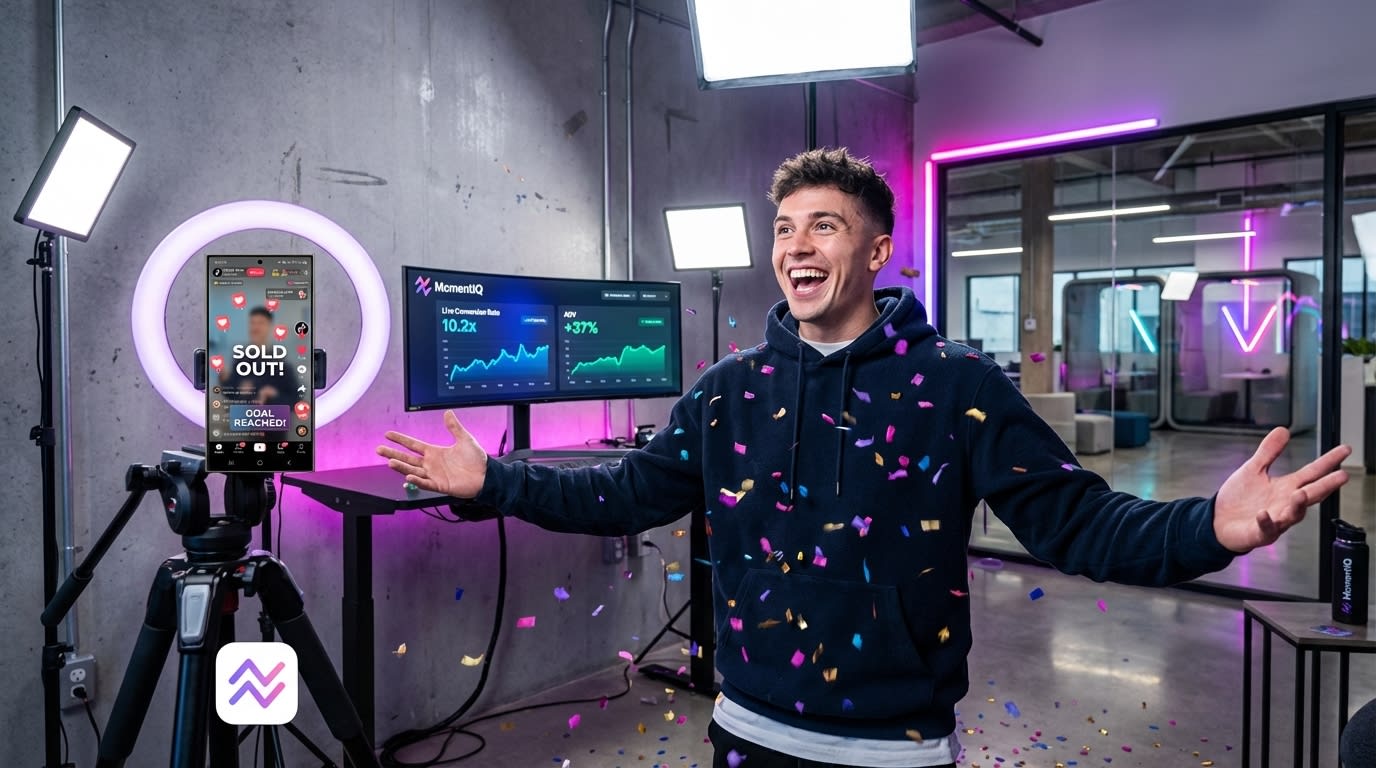
After analyzing hundreds of live streams, here are the mistakes that kill revenue before it starts:
Mistake 1: Going Live Without a Product Ladder
Selling one product for 60 minutes is a recipe for viewer drop-off. You need 3-5 products at different price points to create a buying journey within your stream.
Mistake 2: Ignoring Audio Quality
68% of viewers who leave a live stream in the first 10 seconds cite poor audio as the reason (based on live commerce platform analytics). Invest $40 in a USB microphone. It's the highest-ROI purchase you'll make.
Mistake 3: Not Using Flash Deals
TikTok's algorithm tracks "purchase velocity" — how quickly sales happen within a time window. Flash deals with countdown timers create concentrated purchase spikes that trigger algorithmic amplification. Skipping them means leaving free traffic on the table.
Mistake 4: Treating Live as a One-Time Event
Your first stream builds the foundation. Your fifth stream builds the audience. Brands that stream consistently 3-4 times per week see 5x the monthly GMV of brands that stream sporadically. Consistency signals to TikTok that you're a serious commerce partner worth promoting.
Mistake 5: Trying to Scale Live Commerce Alone
Here's the honest truth: setting up your first stream is manageable. Scaling to consistent five- and six-figure monthly live revenue is an entirely different challenge.
It requires multi-host scheduling, creator-led live streams, advanced analytics interpretation, dynamic pricing strategies, and real-time algorithmic optimization. Most in-house teams hit a ceiling around $15-25K/month because they simply can't manage the complexity.
This is where "we can handle it ourselves" stops being a badge of honor and starts being a growth bottleneck.
Why DIY Live Commerce Hits a Ceiling (And What to Do About It)
Let's address something directly: you might be reading this guide thinking, "Great, I'll do all of this myself and save the money I'd spend on an agency."
And for your first stream? Absolutely. This guide gives you everything you need.
But here's what happens at scale:
- You need hosts. Not just you — trained, engaging live sellers who can hold an audience for 2-4 hours. Finding, training, and managing them is a full-time job.
- You need creator-led live streams. The highest-GMV live sessions feature creators with built-in audiences. Coordinating those streams requires creator relationships, contracts, and logistics that multiply exponentially.
- You need data infrastructure. Which products convert best at which time slots? Which host styles drive highest AOV? Which viewer segments respond to flash deals vs. bundles? Without analytics, you're guessing.
- You need consistency. The algorithm rewards daily or near-daily streaming. Can your team sustain that?

"We tried agencies before and they didn't deliver" — we hear this constantly. And here's why: most agencies are influencer marketing shops that bolted on "live commerce" as a service line. They don't understand TikTok Shop's unique mechanics, product pinning strategy, algorithmic triggers, or commerce-specific analytics.
MomentIQ is different because live commerce isn't an add-on for us — it's a core pillar built on proprietary data from thousands of live sessions. As TikTok's Shop Partner of the Year and an official TikTok Marketing Partner, we have access to platform insights, beta features, and algorithmic understanding that generic agencies simply don't.
One beauty brand came to us after running DIY live streams for three months, averaging $4,200/month. Within 90 days of implementing MomentIQ's live commerce system — including algorithmic creator matching for host sourcing, optimized product sequencing, and data-driven scheduling — they scaled to $127K/month in live GMV.
That's not a typo. That's what happens when setup meets strategy meets scale.
The ROI Math: Is Investing in Live Commerce Support Worth It?
Let's kill the "we don't have the budget" objection with actual numbers.
Scenario: DIY Live Commerce
- Monthly GMV: $8,000-15,000 (typical ceiling for solo sellers)
- Your time investment: 60-80 hours/month (streaming, prep, analytics, creator coordination)
- Opportunity cost of your time: $5,000-10,000/month (conservatively)
- Net effective revenue: $3,000-5,000/month
Scenario: Scaled Live Commerce with Expert Support
- Monthly GMV: $50,000-200,000+ (based on category and product mix)
- Your time investment: 5-10 hours/month (strategy reviews, approvals)
- Agency/platform investment: Varies, but typically pays for itself within 30-45 days
- Net effective revenue: $40,000-160,000+/month
The question isn't whether you can afford expert support. It's whether you can afford the opportunity cost of not having it — especially while competitors are scaling their live programs and building the audience loyalty that compounds over time.
Your 7-Day TikTok Shop Live Shopping Setup Checklist
Here's your complete action plan, condensed:
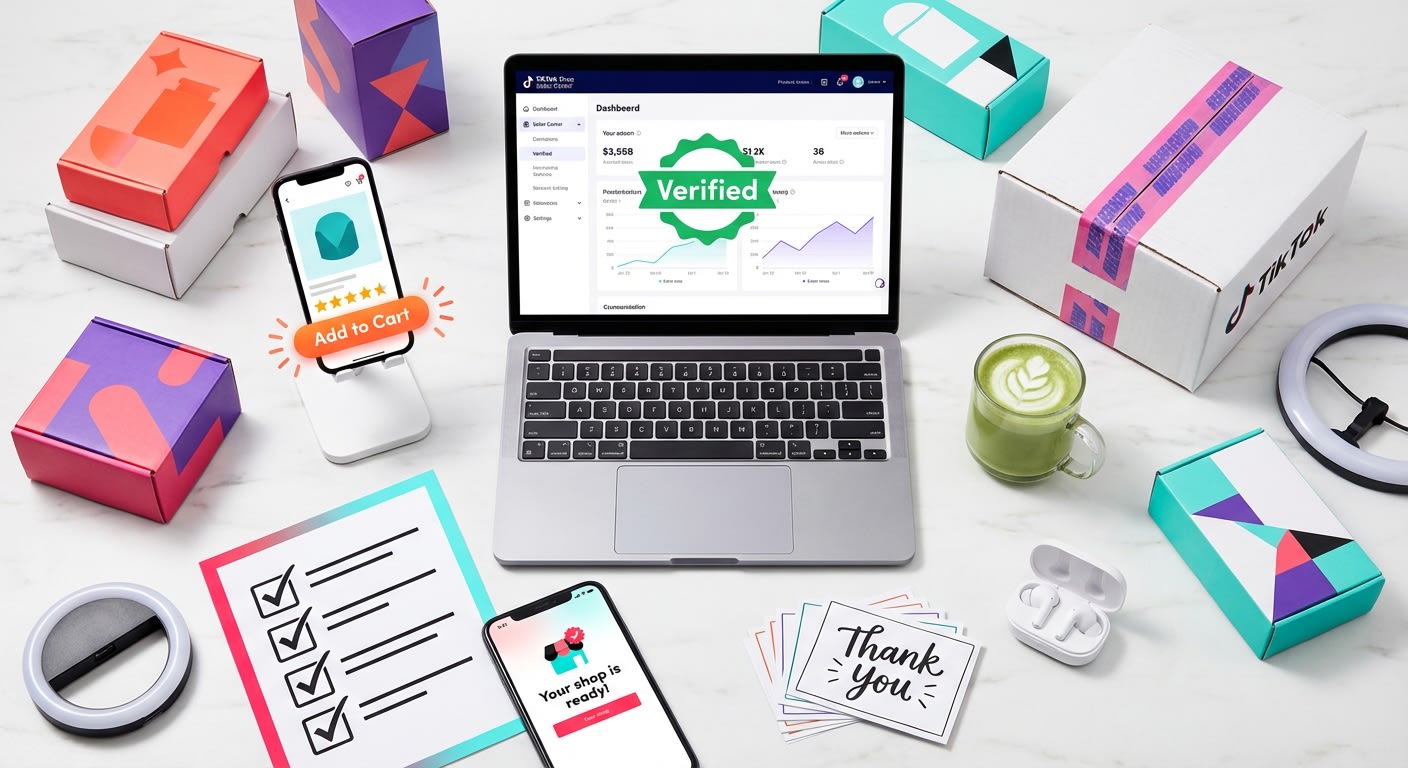
Days 1-2: Account & Catalog Configuration
- Verify Seller Center setup and shop health score (4.0+)
- Enable live shopping features
- Curate live showcase with 3-5 products at varied price points
- Set flash deal pricing on at least one product
- Configure shipping templates with realistic delivery windows
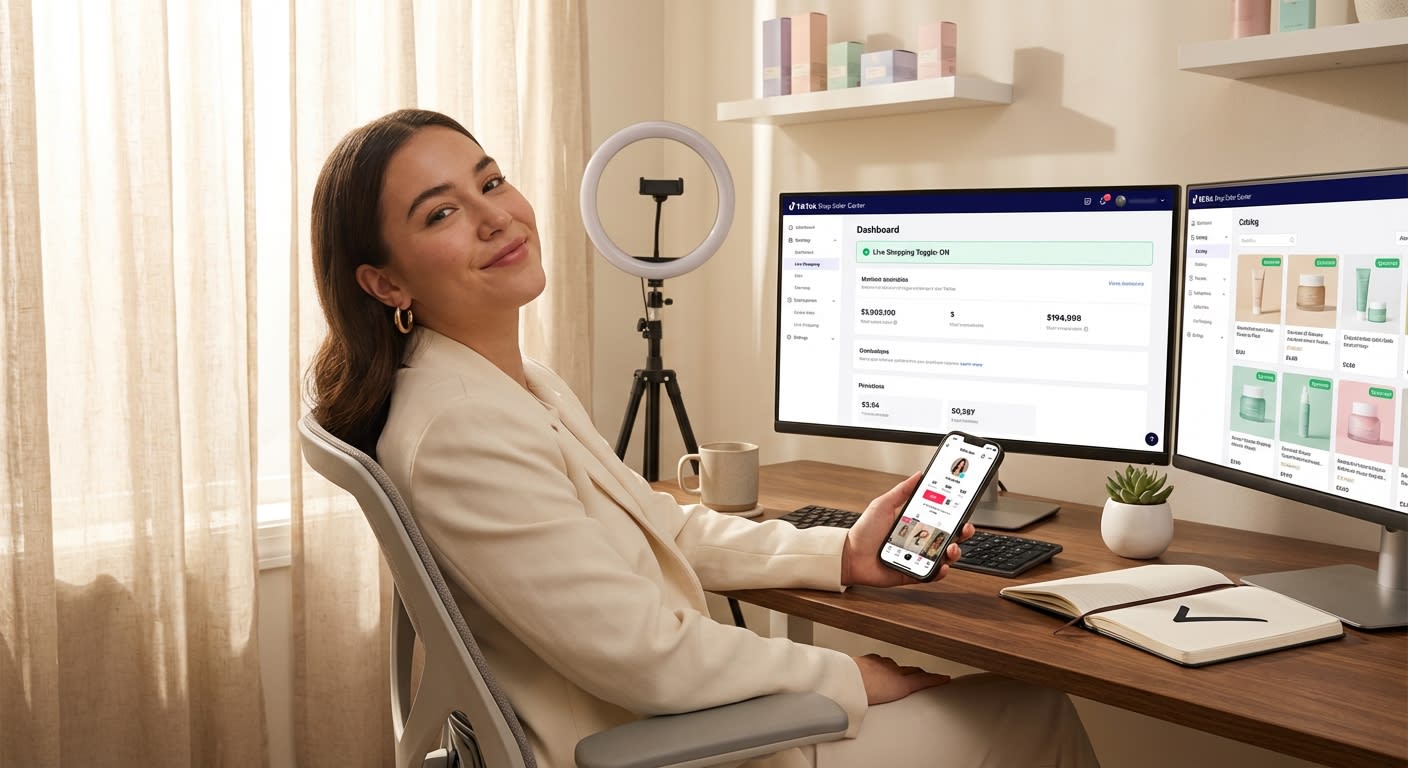
Days 2-3: Technical Setup
- Download and configure OBS Studio
- Connect OBS to TikTok via RTMP credentials
- Set up 2-3 scenes (host + product, product close-up, social proof overlay)
- Test audio with dedicated microphone
- Configure lighting (ring light minimum)
- Create custom overlays (countdown timer, benefit bullets, promo code)
Days 3-4: Product Pinning Strategy
- Map your product pinning sequence (gateway → hero → flash deal → hero → exclusive bundle)
- Pre-write pin transition scripts
- Test pin switching in Seller Center to ensure seamless operation
Days 4-5: Rehearsal
- Run a full "silent stream" rehearsal
- Practice your 3-second hook 20+ times
- Time all product demos (90 seconds max each)
- Brief your chat moderator and test response system
- Pre-write answers to top 15 product questions
Days 5-6: Pre-Stream Promotion
- Post 3-5 teaser videos announcing stream date, time, and exclusive deals
- Schedule your live stream in TikTok for push notifications
- Coordinate with affiliate creators for mention support
- Set up a small Live Shopping Ad ($50-100)
- Update product listing descriptions with live stream mention
Day 7: Launch
- Final tech check 2 hours before
- Go live 5 minutes early
- Execute the 60-minute stream structure
- Hit your engagement triggers in the first 5 minutes
- Celebrate your first live commerce revenue
What Comes After Your First Stream: Scaling Live Commerce Into a Revenue Engine
Your first $10K stream is a milestone. But it's also just the beginning.
The brands generating $100K-$500K+ monthly from TikTok Shop live commerce aren't running one stream a week with one host. They've built systems:
- Multi-host rotations streaming 4-7 days per week
- Creator-led live sessions where affiliates with built-in audiences sell your products to their followers
- Data-driven scheduling based on when their target audience is most active and purchase-ready
- Dynamic product sequencing that evolves based on real-time analytics from previous streams
- Cross-channel amplification where live stream clips become Spark Ads, affiliate content, and email marketing assets
This is where the complexity explodes — and where having a partner with proprietary technology and deep TikTok Shop expertise becomes the difference between a $15K/month plateau and a $150K/month growth trajectory.
TikTok Shop live commerce is the biggest opportunity in social commerce in 2025. The infrastructure you build in the next 30 days will determine whether you're a market leader or a market follower in your category for years to come.
The setup guide above gives you everything you need to launch. But if you want to scale — if you want to turn live commerce from an experiment into your brand's most profitable channel — you need the algorithmic creator matching, data analytics, and live commerce expertise that only a TikTok-native partner can provide.
Talk to a Strategist and see exactly how much live commerce revenue your brand is leaving on the table. Our strategists will map your custom live commerce roadmap, show you the creator matches our algorithm identifies for your category, and give you the scaling playbook that's already working for hundreds of brands.
The brands building now will own the algorithmic advantage. The brands waiting will be fighting for scraps.
Your first $10K stream is seven days away. Start today.